
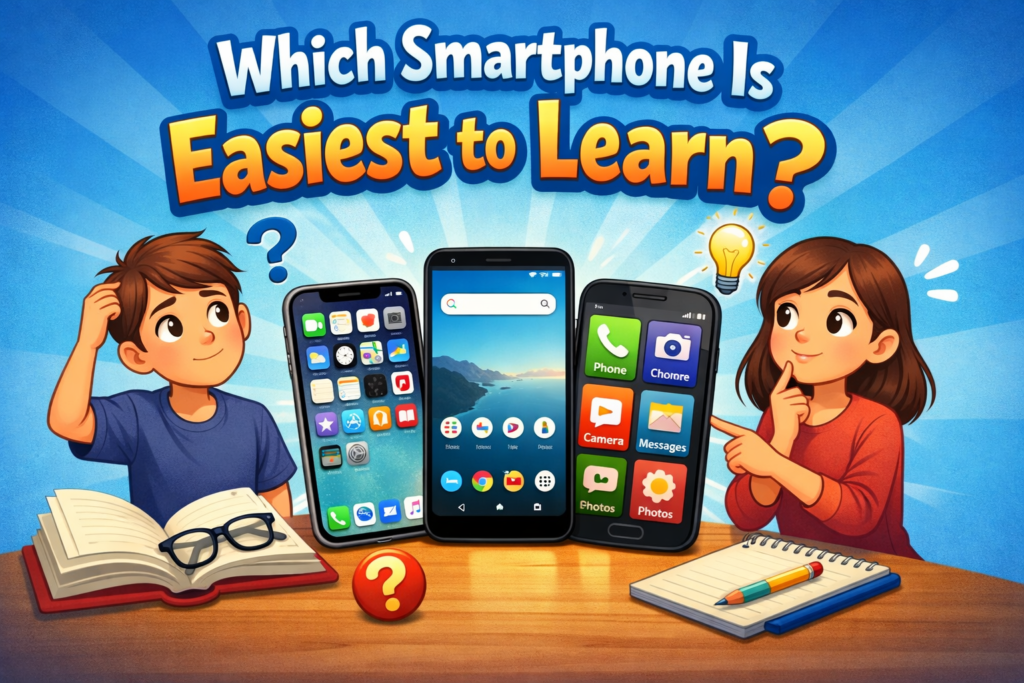

Smartphones have become an essential part of everyday life. From making calls and sending messages to managing finances, booking travel, and staying connected on social media, these devices are no longer optional. However, not every smartphone is easy to understand, especially for beginners, senior citizens, or people switching from feature phones.
What makes a smartphone simple to use, compare popular platforms, and help you choose the best option if you want a stress-free, smooth learning experience.
Understanding What “Easy to Learn” Really Means
Before naming any brand or model, it’s important to understand what makes a smartphone easy for a new user.
Ease of learning is not just about looks. It includes:
- Simple and clean user interface
- Clear navigation without confusion
- Easy access to basic features
- Minimal setup requirements
- Helpful guidance and accessibility options
A smartphone that reduces complexity allows users to focus on learning essential functions rather than fighting the system.
Who Needs an Easy-to-Learn Smartphone?
Not everyone has the same level of comfort with technology. Easy smartphones are especially useful for:
- First-time smartphone users
- Senior citizens
- Students using smartphones for the first time
- People switching from basic phones
- Users who prefer simplicity over advanced features
For these users, clarity matters more than performance benchmarks.
Smartphone Operating Systems Explained Simply
The operating system plays the biggest role in determining how easy a phone is to learn. Let’s look at the main options available today.
Android: Flexible but Can Be Overwhelming
Android is the most widely used mobile platform globally. It powers devices from many brands and offers deep customization.
Pros:
- Wide variety of phones at every price level
- Customizable home screen
- Large app ecosystem
Cons:
- Interface varies by brand
- Too many settings can confuse beginners
- Pre-installed apps may overwhelm users
While Android can be beginner-friendly, it depends heavily on the brand’s software design.
iOS (iPhone): Clean, Consistent, and Simple
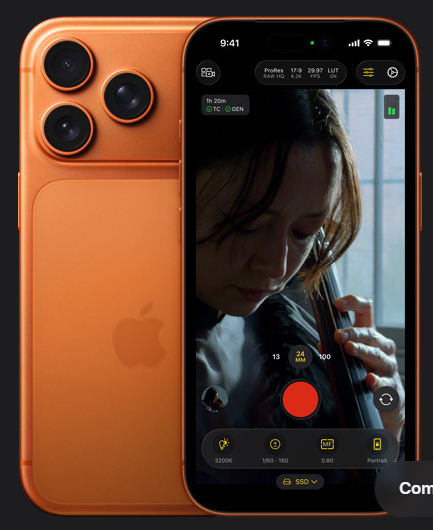
Apple’s iOS is known for its clean design and predictable behavior. Every iPhone works almost the same way, regardless of the model.
Pros:
- Extremely intuitive interface
- Consistent gestures and layout
- Strong privacy and security defaults
- Easy app management
Cons:
- Higher price compared to most Android phones
- Limited customization
For someone who wants a smooth learning curve, iPhones are often considered the easiest to understand.
iPhone: Why Many Beginners Prefer It?
When people ask which smartphone is easiest to learn, the iPhone is often the first recommendation.
Simple Home Screen Layout
All apps are placed directly on the home screen. There is no separate app drawer, which reduces confusion for beginners.
Predictable Gestures
These gestures remain consistent across apps.
Excellent Accessibility Features
Apple offers built-in tools for:
- Larger text
- Voice assistance
- Screen readers
- Simplified display modes
These features make iPhones very popular among elderly users.
Android Phones That Are Easy to Learn
Not all Android phones are complicated. Some brands focus heavily on simplicity and user comfort.
Google Pixel: Clean and Pure Experience
Google Pixel phones run a clean version of Android with minimal modifications.
Why it’s beginner-friendly:
- No unnecessary apps
- Simple design language
- Clear menus and fast updates
Pixel phones are excellent for users who want Android without confusion.
Samsung Galaxy (With Easy Mode)
Samsung phones offer an Easy Mode, which simplifies the interface.
Features of Easy Mode:
- Larger icons and text
- Reduced settings
- Simplified home screen
This is extremely helpful for first-time users.
Nokia Smartphones: Straightforward and Minimal
Nokia devices focus on clean Android software and durability.
Why beginners like them:
- Simple menus
- Less bloatware
- Clear system layout
They are especially popular among users upgrading from feature phones.
Smartphones Designed Specifically for Seniors
Some smartphones are created with simplicity as the main goal.
Key Features of Senior-Friendly Phones
- Large buttons and fonts
- Loud speakers
- Emergency call buttons
- Simple calling and messaging
While these phones may not offer advanced features, they are excellent learning tools.
What Makes a Smartphone Difficult to Learn?
Understanding what to avoid is just as important.
Common problems include:
- Too many pre-installed apps
- Complex gesture systems
- Poor menu organization
- Frequent pop-ups and notifications
- Heavy customization layers
Phones overloaded with features can intimidate new users.
Ease of Learning vs Advanced Features
Many buyers assume more features mean a better phone. That’s not always true.
For beginners:
Advanced features can be learned later. The first step should always be comfort.
App Ecosystem and Learning Curve
A smartphone becomes easier to learn when apps behave predictably.
iPhone Advantage
Apps on iOS follow strict design rules, making them easier to understand.
Android Variety
Android apps can look and behave differently depending on the developer, which can slow learning.
Updates and Long-Term Ease of Use
Regular software updates improve usability and security.
- iPhones receive updates for many years
- Google Pixel phones also get long support
- Some budget Android phones stop receiving updates early
Long-term support ensures the phone remains easy to use over time.
Best Choice for Different Types of Users
For Absolute Beginners
An iPhone or a clean Android phone like Pixel is ideal.
For Senior Citizens
Phones with simple modes or large interfaces work best.
For Budget-Conscious Users
Nokia or Samsung entry-level models with simplified UI are good options.
Learning Tips for New Smartphone Users
Regardless of which phone you choose, learning becomes easier with the right approach.
- Start with basic functions like calling and messaging
- Customize text size and brightness
- Remove unnecessary apps
- Use built-in tutorials
- Practice daily
Confidence builds with regular use.

Final Verdict:
There is no single answer that fits everyone, but based on simplicity, consistency, and user comfort:
- iPhone is generally the easiest to learn for most people
- Google Pixel is the simplest Android option
- Samsung with Easy Mode works well for seniors
- Nokia smartphones are great for beginners on a budget
The best smartphone is the one that feels comfortable, not complicated.
Conclusion
Learning a smartphone should feel exciting, not stressful. The easiest smartphone is one that lets users focus on communication, productivity, and enjoyment rather than confusing settings.