
Introduction
Artificial Intelligence is changing the way people work, learn, create, and communicate. The best part is that you no longer need to spend a lot of money to enjoy its benefits.
Today, there are many free AI tools available online that help students, professionals, creators, business owners, and everyday users complete tasks faster and more efficiently.
Whether you want to write articles, create images, edit videos, improve your grammar, generate ideas, or organize your work, free AI tools can save time while improving your results.
Most of these tools are easy to use and require little or no technical knowledge.
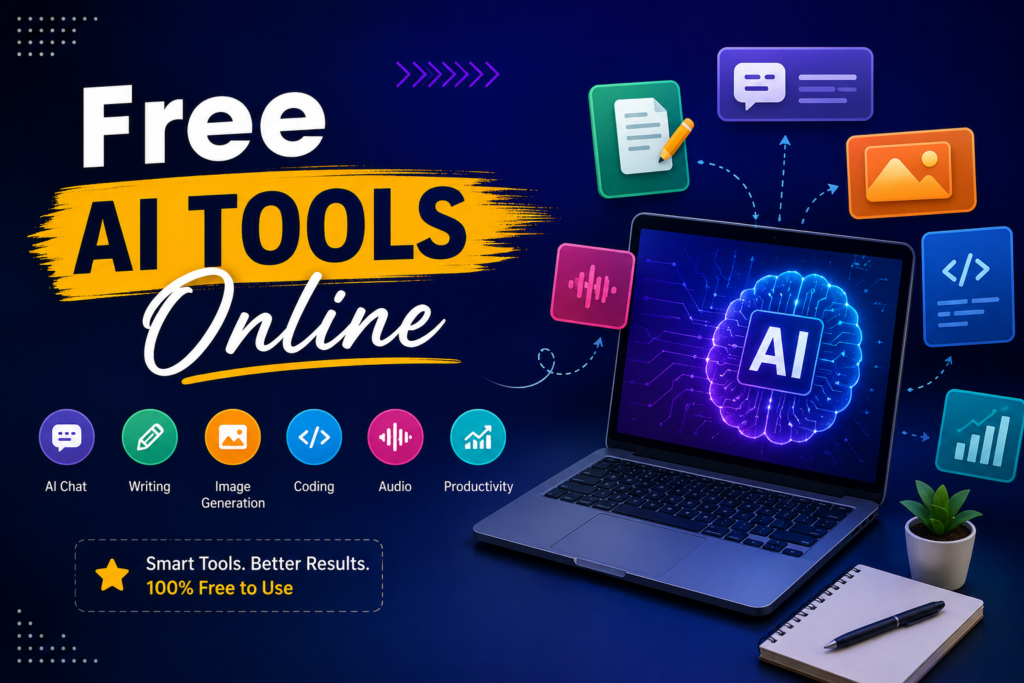
In this guide, you will discover the best free AI tools online, their benefits, practical uses, limitations, and tips for choosing the right one for your needs.
What Are Free AI Tools?
Free AI tools are online applications powered by artificial intelligence that help users perform different tasks without paying for a subscription.
While many platforms also offer premium plans, their free versions provide enough features for learning, personal projects, and everyday work.
These tools can assist with:
- Writing content
- Creating images
- Editing photos
- Making presentations
- Coding
- Translating languages
- Summarizing documents
- Research
- Video editing
- Audio generation
- Brainstorming ideas
Most free AI tools work directly in your web browser, so there is usually no need to install software.
Why Are Free AI Tools Becoming Popular?
Artificial intelligence has become more accessible than ever. Years ago, AI software was expensive and designed mainly for large companies. Today, anyone with an internet connection can use powerful AI assistants within minutes.
Some major reasons behind their popularity include:
- Easy access from any device
- Free plans for beginners
- Fast results
- User-friendly interfaces
- Improved productivity
- Continuous improvements
As AI technology becomes smarter, more people rely on these tools for everyday tasks.
Benefits of Using Free AI Tools
Using free AI tools offers many advantages for individuals and businesses.
Save Time
Many repetitive tasks can now be completed within seconds instead of hours.
Examples include:
- Writing emails
- Summarizing articles
- Creating social media captions
- Organizing information
Improve Productivity
AI allows users to focus on important work instead of spending time on repetitive tasks.
Learn Faster
Students can use AI to explain difficult concepts, summarize notes, and generate study materials.
Increase Creativity
AI can suggest fresh ideas when you feel stuck while writing, designing, or brainstorming.
Reduce Costs
Free versions provide excellent value without requiring expensive software subscriptions.
Best Free AI Tools Online
Many excellent AI platforms are available today. Below are some of the most useful categories.
AI Writing Tools
Writing assistants help users create:
- Blog posts
- Emails
- Product descriptions
- Social media posts
- Headlines
- Outlines
They also improve grammar, clarity, and readability.
These tools are useful for:
- Bloggers
- Students
- Freelancers
- Small businesses
- Content creators
AI Image Generators
Image generation tools create original artwork from simple text prompts.
You can create:
- Posters
- Blog images
- Concept art
- Illustrations
- Wallpapers
- Social media graphics
These tools are especially useful for creators who do not have graphic design experience.
AI Grammar Checkers
Grammar tools help improve writing quality by correcting:
- Grammar mistakes
- Spelling errors
- Punctuation
- Sentence structure
- Word choice
They make your writing look more professional.
AI Research Assistants
Research tools summarize long documents and help users understand complex information more quickly.
Students and professionals use them to:
- Save reading time
- Find key points
- Organize research
- Prepare reports
AI Presentation Makers
Creating presentations manually often takes hours.
AI presentation tools can generate:
- Slide layouts
- Titles
- Bullet points
- Visual suggestions
- Speaker notes
This helps users prepare presentations much faster.
AI Video Editing Tools
Video editing has become much easier thanks to AI.
These tools can automatically:
- Remove background noise
- Generate subtitles
- Cut silence
- Improve audio
- Resize videos
- Create highlights
They are popular among YouTubers and social media creators.
AI Coding Assistants
Programmers use AI to:
- Write code
- Debug errors
- Explain functions
- Improve performance
- Learn programming languages
Even beginners can understand coding concepts more easily.
AI Translation Tools
Language translation has improved significantly with AI.
These tools can:
- Translate documents
- Translate conversations
- Improve grammar
- Preserve meaning
- Support multiple languages
They help users communicate across different countries.
Comparison of Popular AI Tool Categories
AI Tool Category Best For Free Version Available Writing Blogs, emails, articles Yes Image Generation Graphics and artwork Yes Grammar Proofreading Yes Video Editing Content creators Yes Coding Developers Yes Translation Language learning Yes Research Students and professionals Yes Presentation Business and education Yes
How to Choose the Right AI Tool
Not every AI tool is suitable for every task. Before selecting one, consider these factors.
Purpose
Ask yourself:
“What do I actually need?”
For example:
- Writing articles
- Editing videos
- Creating images
- Studying
- Coding
Choose tools designed specifically for that purpose.
- Ease of Use
A good AI tool should have:
- Simple interface
- Clear instructions
- Fast response
- Easy navigation
You should not need technical knowledge to use it.
Free Features
Some free plans include generous limits, while others restrict usage.
Check:
- Daily limits
- Monthly limits
- Export options
- Watermarks
- Available features
Accuracy
Always verify important information generated by AI. Although AI has improved greatly, it can still make mistakes.
Privacy
Before uploading personal files, read the platform’s privacy policy.
Avoid sharing:
- Banking details
- Passwords
- Confidential business documents
- Sensitive personal information
Practical Tips for Getting Better Results
Getting excellent AI responses often depends on the quality of your instructions.
Here are some useful tips.
Be Specific
Instead of writing:
“Write an article.”
Try:
“Write a beginner-friendly article about free AI tools for students.”
Specific prompts usually produce better results.
Give Context
Explain:
- Your audience
- Purpose
- Tone
- Length
- Format
The more context you provide, the better the output.
Review Everything
Never publish AI-generated content without checking:
- Facts
- Grammar
- Flow
- Accuracy
- Originality
Human editing always improves quality.
Experiment
Try different prompts until you get the result you want. Small prompt changes can produce much better responses.
Common Mistakes to Avoid
Many beginners misuse AI. Avoid these common mistakes.
Copying Without Editing
Always personalize AI-generated content. Adding your own ideas makes the content more unique and trustworthy.
Trusting Every Answer
AI sometimes provides outdated or incorrect information. Double-check important facts before sharing them.
Ignoring SEO
If you’re creating blog posts, remember to include:
- Clear headings
- Natural keywords
- Internal links
- Helpful information
- Readable formatting
Overusing AI
AI should assist your work—not replace your creativity and critical thinking. The best results come from combining AI with human knowledge.
Are Free AI Tools Safe?
Most popular AI platforms are generally safe when used responsibly. However, users should still follow basic online safety practices.
Stay Safe By:
- Using trusted websites
- Reading privacy policies
- Avoiding suspicious downloads
- Never sharing sensitive information
- Using strong passwords
Always think carefully before uploading confidential documents.
Free AI Tools for Different Users

Students
Students can use AI for:
- Homework support
- Note summaries
- Study guides
- Grammar improvement
- Research assistance
Bloggers
Bloggers benefit from:
- Article outlines
- SEO ideas
- Content planning
- Headline generation
- Image creation
Small Businesses
Business owners can create:
- Marketing content
- Product descriptions
- Customer emails
- Advertising ideas
- Business presentations
Designers
Creative professionals use AI for:
- Concept art
- Color inspiration
- Background removal
- Mockups
- Logo ideas
Developers
Programmers can use AI to:
- Learn coding
- Debug projects
- Generate examples
- Improve efficiency
- Understand documentation
The Future of Free AI Tools
Artificial intelligence continues to improve rapidly.
Future AI tools may offer:
- Better personalization
- More accurate responses
- Faster processing
- Improved voice interaction
- Smarter automation
- Better collaboration features
As competition grows, many companies are likely to expand their free plans, giving users access to even more powerful features.
AI is becoming an everyday assistant rather than just a specialized technology.
Frequently Asked Questions
1. What are free AI tools?
Free AI tools are online applications that use artificial intelligence to help users complete tasks such as writing, designing, editing, coding, researching, and learning without paying for basic access.
2. Are free AI tools really free?
Many AI platforms offer free plans with limited features. Some also provide premium subscriptions with additional capabilities.
3. Can students use free AI tools?
Yes. Students can use AI to improve writing, summarize notes, understand difficult topics, and prepare presentations more efficiently.
4. Are free AI tools safe?
Most well-known AI platforms are safe when used responsibly. Avoid uploading sensitive personal or confidential information.
5. Can AI replace human creativity?
No. AI is a helpful assistant, but human creativity, experience, and critical thinking remain essential for producing meaningful and original work.
6. Do free AI tools work on mobile devices?
Yes. Most modern AI tools work on smartphones, tablets, laptops, and desktop computers through a web browser or dedicated mobile app.
7. Can bloggers use free AI tools for SEO?
Yes. Bloggers can use AI to generate ideas, improve readability, create outlines, and optimize content. However, they should always review and edit the final content before publishing.
Conclusion
The popularity of free AI tools continues to grow because they make everyday tasks faster, easier, and more efficient. Whether you are a student, blogger, freelancer, developer, business owner, or content creator, these tools can help you improve productivity without spending money.
The key is to use AI wisely. Choose reliable platforms, provide clear instructions, verify important information, and always add your own ideas and creativity.
When combined with human knowledge, free AI tools become powerful assistants that help you work smarter, learn faster, and create better content. As AI technology continues to evolve, free online tools will play an even bigger role in education, business, and everyday life.