

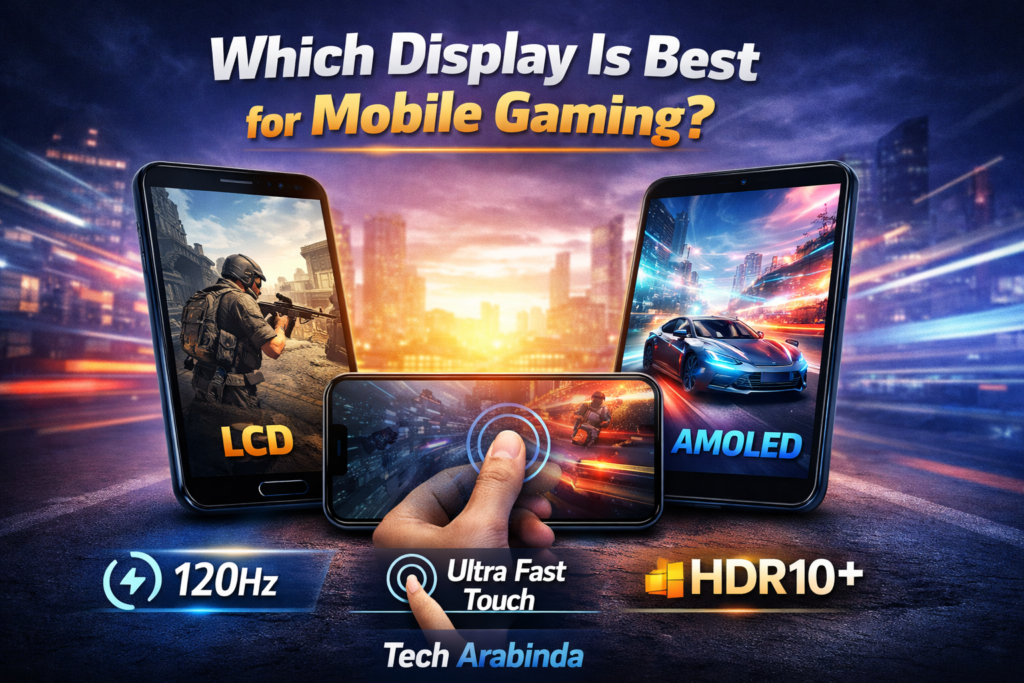

Mobile gaming has evolved rapidly over the past decade. What once started as simple puzzle and arcade games has now transformed into competitive, console-level experiences with advanced graphics, fast response times, and immersive gameplay. While processors, GPUs, and cooling systems often get most of the attention, one crucial factor directly affects how a game feels in your hands — the display.
A mobile gaming display is more than just a screen. It defines how smooth the gameplay looks, how fast your reactions feel, and how immersive the entire experience becomes. Which type of mobile display is trulybest for gaming, breaking down every important aspect in simple, practical terms.
Why Display Quality Matters in Mobile Gaming?
When gaming on a smartphone, your eyes interact with the display constantly. Every movement, animation, color, and shadow is processed visually before your fingers react. A poor-quality screen can cause motion blur, delayed response, inaccurate colors, and even eye strain during long sessions.
On the other hand, a well-optimized display enhances smoothness, clarity, and realism. Whether you play fast-paced shooters, open-world RPGs, or competitive battle royale games, the right display can significantly improve both performance and enjoyment.
Understanding Display Types Used in Smartphones
Before deciding which display is best for gaming, it is important to understand the main screen technologies available in modern smartphones.
LCD Displays (IPS LCD)
LCD screens, especially IPS LCD panels, were once the industry standard. They still appear in many budget and mid-range devices.
Pros:
- Consistent color accuracy
- No risk of screen burn-in
- Generally more affordable
Cons:
- Lower contrast ratios
- Blacks appear slightly grey
- Slower pixel response compared to newer technologies
For casual gamers, IPS LCD can still provide a decent experience, but it lacks the visual punch demanded by serious mobile gaming.
AMOLED Displays
AMOLED screens have become extremely popular, especially in gaming-focused smartphones.
Pros:
- True blacks due to self-emitting pixels
- High contrast ratios
- Vibrant and immersive colors
- Faster pixel response times
Cons:
- Slight risk of burn-in over long periods
- Color tuning can sometimes feel oversaturated
For most gamers, AMOLED strikes an excellent balance between performance and visual quality.
OLED and Super AMOLED Displays
OLED is the broader technology behind AMOLED. Super AMOLED is an enhanced version where the touch layer is integrated directly into the screen.
Advantages for gaming:
- Lower input latency
- Better outdoor visibility
- Reduced power consumption
Super AMOLED displays are especially good for long gaming sessions, as they consume less battery while delivering premium visuals.
LTPO Displays (Advanced OLED)
LTPO technology allows the display to dynamically change refresh rates based on content.
Gaming benefits:
- Smooth visuals during intense gameplay
- Battery savings when high refresh rate is not needed
While LTPO is not mandatory for gaming, it is an excellent bonus in flagship gaming phones.
Refresh Rate: The Heart of Smooth Gameplay
Refresh rate refers to how many times per second the screen updates its image.
60Hz vs 90Hz vs 120Hz vs 144Hz
- 60Hz: Standard refresh rate, suitable for basic gaming
- 90Hz: Noticeably smoother than 60Hz
- 120Hz: Ideal balance for competitive gaming
- 144Hz: Excellent for esports-level performance
For gaming, higher refresh rates mean smoother motion, faster reactions, and better tracking of fast-moving objects. A 120Hz display is widely considered the sweet spot for mobile gamers today.
Touch Sampling Rate: Often Overlooked but Critical
While refresh rate controls visuals, touch sampling rate determines how quickly the screen registers your touch.
Why Touch Response Matters
In competitive games, even a few milliseconds can make a difference. A higher touch sampling rate ensures your actions are registered instantly.
- 180Hz–240Hz: Good for regular gaming
- 300Hz–480Hz: Excellent for competitive play
- 600Hz+: Professional-level responsiveness
For fast-paced shooters and action games, touch sampling rate is just as important as refresh rate.
Resolution and Pixel Density: Clarity Without Compromise
Resolution affects how sharp and detailed the image appears.
Common Mobile Resolutions
- HD+: Acceptable for casual use
- Full HD+: Ideal balance for gaming
- Quad HD+: Ultra-sharp but more demanding on hardware
For gaming, Full HD+ is often the best choice. It delivers clear visuals without putting unnecessary strain on the processor or battery.
HDR Support: Bringing Games to Life
High Dynamic Range (HDR) enhances brightness, contrast, and color depth.
Benefits of HDR in Gaming
- More realistic lighting
- Better shadow detail
- Improved color accuracy
Displays supporting HDR10 or HDR10+ provide a more cinematic and immersive gaming experience, especially in visually rich games.
Brightness and Outdoor Visibility
Gaming is not always limited to indoor environments. Brightness levels matter when playing in well-lit rooms or outdoors.
- 500–700 nits: Good for indoor gaming
- 800+ nits: Excellent visibility in sunlight
Higher brightness also improves HDR performance, making highlights pop without losing detail.
Color Accuracy vs Saturation
Some displays boost colors to look more vibrant, while others aim for realism.
Which Is Better for Gaming?
- Saturated colors feel more exciting and immersive
- Accurate colors look more natural and balanced
Most gamers prefer slightly vibrant displays, but extreme oversaturation can reduce detail in bright scenes. A well-calibrated AMOLED display usually offers the best balance.
Eye Comfort Features for Long Gaming Sessions
Extended gaming sessions can strain your eyes. Modern displays include features designed to reduce fatigue.
Useful Eye Protection Technologies
- Blue light filters
- DC dimming
- Adaptive brightness
- Anti-flicker technology
These features may not directly affect performance, but they significantly improve comfort during long playtimes.
Battery Efficiency and Display Technology
The display is one of the biggest battery consumers in a smartphone.
Which Display Saves More Battery?
AMOLED and OLED screens are generally more power-efficient, especially in darker games or night mode. Features like adaptive refresh rate further extend battery life without compromising gaming quality.
Which Display Is Truly Best for Mobile Gaming?
Taking all factors into account — smoothness, responsiveness, visual quality, and efficiency — the best display for mobile gaming typically has the following characteristics:
- AMOLED or OLED panel
- 120Hz or higher refresh rate
- High touch sampling rate
- Full HD+ resolution
- HDR support
- Strong brightness levels
This combination delivers fluid gameplay, fast response, rich visuals, and comfortable long-term use.
Do Budget Gamers Need High-End Displays?
Not every gamer needs a flagship screen. Casual players can still enjoy gaming on well-tuned LCD or 90Hz AMOLED displays. The key is balance — matching display capabilities with the type of games you play.
Competitive gamers benefit the most from high refresh rates and touch responsiveness, while story-driven gamers may prioritize color quality and immersion.
Future Trends in Mobile Gaming Displays
Mobile display technology continues to evolve rapidly.
What to Expect Next
- Higher refresh rates becoming standard
- Improved LTPO optimization
- Better HDR support in games
- Reduced latency and improved touch accuracy
As mobile gaming grows, displays will continue to play a central role in shaping the experience.

Final Verdict
The best display for gaming in mobile is not defined by a single specification but by how well different features work together. A smooth, responsive, and visually immersive screen can elevate gameplay more than raw processing power alone.
For most gamers today, a high-quality AMOLED display with a fast refresh rate and strong touch response offers the ideal gaming experience. Choosing the right display ensures that every tap, swipe, and movement feels natural and satisfying.